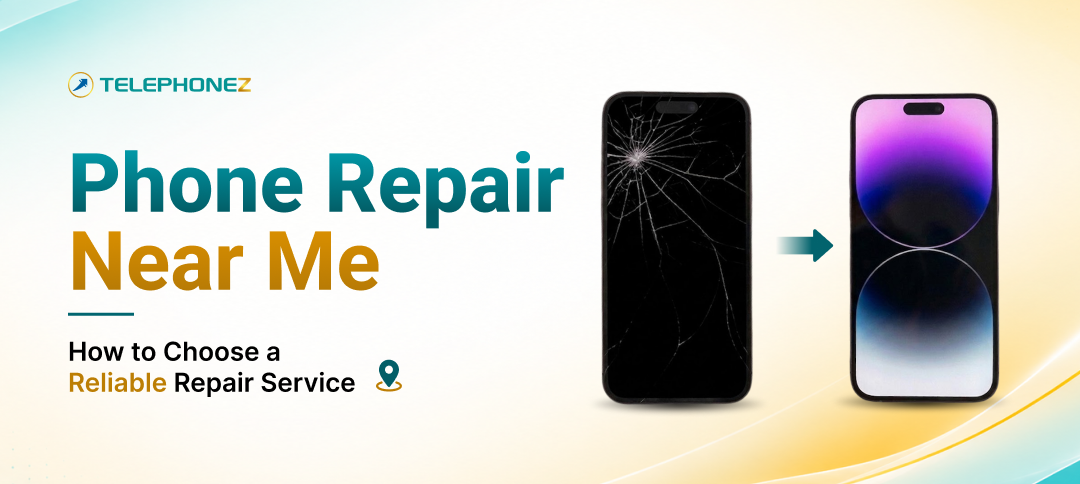
A cracked screen, a battery that dies before lunch, a charging port that only works if you hold the cable at the right angle. When something goes wrong with your phone, the first thing most people do is search for “phone repair near me” and pick whichever shop shows up first. That works sometimes. Other times it leads to a cheap screen that goes yellow in a month, a battery that swells, or a repair that quietly voids the protection you already had.
Choosing a repair shop is a lot like choosing a mechanic. Price matters, but so do parts quality, warranty, turnaround time and whether the people behind the counter actually know your device. This guide walks you through exactly what to look for so you can compare local repair shops with confidence and get your phone back working the way it should.
If you already know what is wrong and just want to get started, you can begin a repair request with Telephonez by selecting your device and describing the problem. Otherwise, keep reading.
Why “Near Me” Is Only Half the Search
Distance is convenient, but proximity says nothing about quality. Two shops on the same street can use completely different parts, offer completely different warranties and charge completely different prices for the same fix. The goal is not to find the closest shop. The goal is to find the closest good shop, or a mail-in service that is worth the extra day.
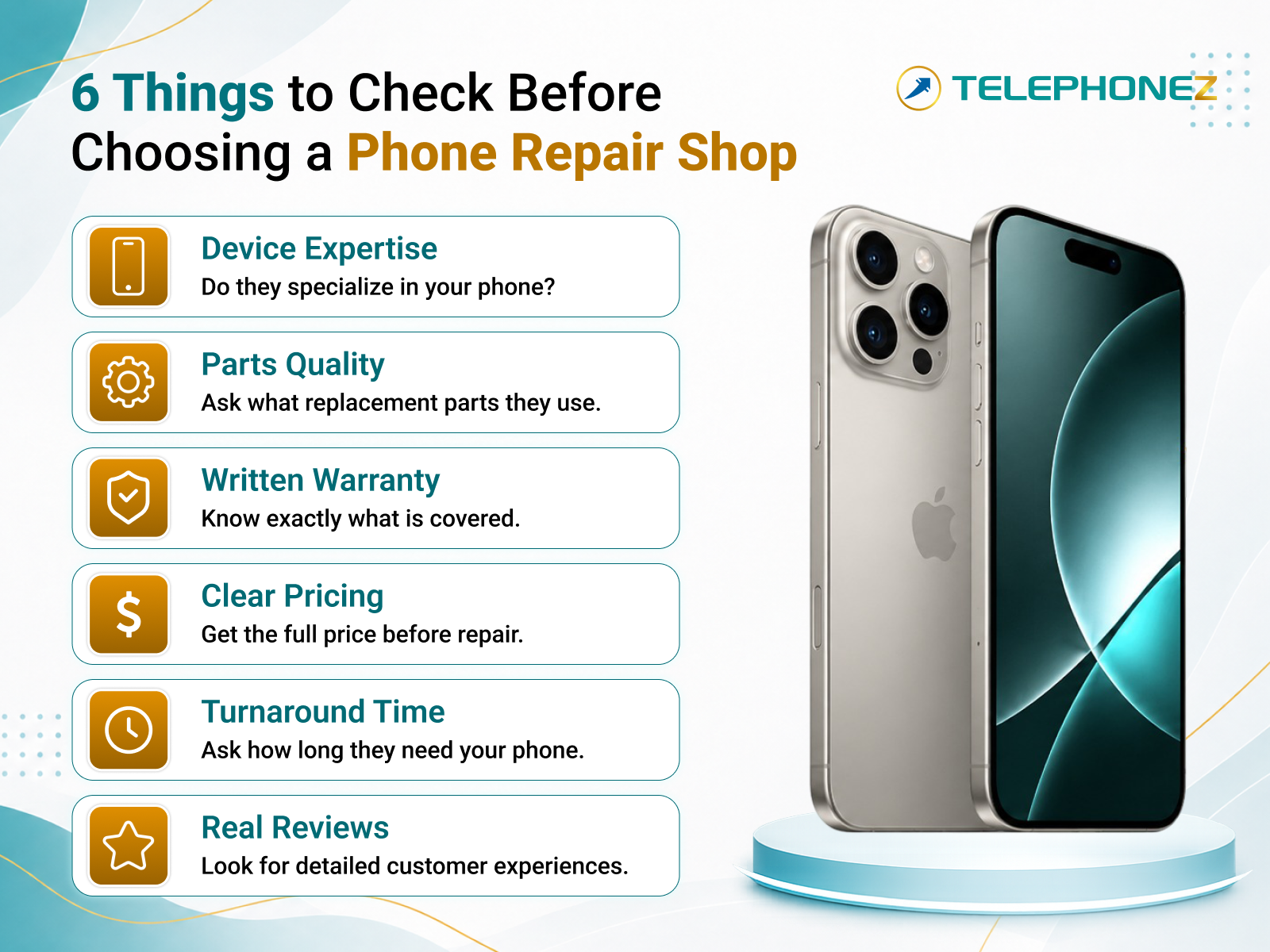
Here is the practical order of priorities most experienced phone owners land on:
- Does the shop specialize in your device brand?
- What kind of replacement parts do they use?
- Is there a written warranty on the repair?
- Is the price clear before any work starts?
- How fast is the turnaround, and do they need to keep your phone?
- What do real customers say?
Let’s take each one in turn.
1. Look for a Shop That Specializes in Your Device
General “we fix everything” kiosks can handle a basic screen swap, but iPhones, iPads and Apple Watches have quirks that trip up inexperienced techs. Face ID modules, True Tone calibration, battery health reporting and water seals all need to be handled correctly or you end up with a phone that works but feels wrong.
A shop that focuses on Apple devices, like the Apple specialists at Telephonez, works on the same models every day and knows the common failure points for each generation. If you have an iPhone, choose a shop that lists your exact model. Telephonez, for example, lets you pick your device from a full model list before you ever describe the issue, whether you need iPhone repair, iPad repair or Apple Watch repair.
2. Ask What Replacement Parts They Use
This is the question most people skip, and it is the one that matters most for how your phone performs six months from now.
Replacement parts generally fall into three tiers:
- Original or OEM-grade parts. These match the specifications of the part that came in your phone. Colors, brightness, touch response and battery capacity behave the way you expect.
- High-quality aftermarket parts. Made by third parties, often very good, but quality varies by supplier. A reputable shop will tell you which grade they stock.
- Budget aftermarket parts. Cheapest option. Screens may look slightly dim or off-color, batteries may lose capacity fast, and some cause features like True Tone or auto-brightness to stop working.
There is nothing wrong with choosing a lower-cost part if you understand the trade-off. What you want to avoid is paying premium prices for budget parts without being told. Ask directly: “What grade of screen or battery are you installing, and does it affect any features?” A trustworthy shop will answer without hesitation.
3. Get the Warranty in Writing
Any repair shop worth your money stands behind its work. Before you hand over your phone, find out:
- How long the repair is covered (30 days, 90 days, longer?)
- What the warranty covers (defective part, workmanship, both?)
- What voids it (drops, liquid damage, third-party tampering?)
- Whether you have to bring the phone back in person or can mail it
Get this in writing on your receipt or in a confirmation email. A verbal “yeah, we’ll take care of it” is not a warranty. Telephonez publishes its customer protections openly, and you can review the current terms on the Return & Refund Policy page so there are no surprises later.
4. Insist on a Clear Price Before Work Starts
Good repair pricing looks like this: you describe the problem, the shop quotes a price for that specific repair on that specific model, and the price does not change unless they find something new and call you first.
Bad repair pricing looks like this: “Starting at $49” on the sign, a much higher number on the invoice, and a diagnostic fee you were never told about.
Questions to ask up front:
- Is diagnosis free, or is there a fee if I decline the repair?
- Is the quoted price all-in, including parts, labor and tax?
- If you find additional damage, will you contact me before proceeding?
- Do you offer a discount if I choose a different part grade?
Also compare the repair cost against the value of the phone. If a screen and battery on an older model come to $180 and the phone is worth $150, it may be smarter to sell the device and put that money toward a certified pre-owned replacement. A good shop will tell you this honestly rather than push a repair that does not make financial sense.
5. Understand Turnaround Time and Mail-In Options
Most common repairs, like screens and batteries, can be done the same day at a well-stocked local shop. More involved fixes such as charging ports, cameras, back glass or water damage may take longer because parts have to be ordered or the phone needs to be dried and tested.
Ask how long the shop expects the repair to take and whether they need to keep the phone overnight. If the nearest specialist is not around the corner, mail-in repair is often a better option than a mediocre shop next door. Telephonez serves customers across Louisiana and beyond, so if you are not near Lafayette or Lake Charles you can still start a repair online, ship the device, and get it back tested and working.
6. Check Reviews the Smart Way
Star ratings alone are easy to game. Read the actual reviews and look for patterns:
- Do customers mention that the repair lasted, not just that it was fast?
- Does the shop respond to negative reviews professionally?
- Are there specific mentions of the device you own?
- Are complaints about pricing surprises, or about repairs failing shortly after?
A shop with a few honest three-star reviews and a lot of detailed five-star reviews is usually more trustworthy than one with only vague, generic praise.
Common Repairs and What to Expect
Different problems call for different levels of urgency and cost. Here is a quick reference for the most common issues people search for.
| Problem | Typical Fix | Urgency | Notes |
| Cracked or shattered screen | Screen replacement | High if touch is affected | Ask about screen grade and True Tone |
| Battery drains fast or shuts off | Battery replacement | Medium | Battery health under 80% is a good trigger |
| Won’t charge or charges intermittently | Port cleaning or port replacement | Medium | Sometimes just lint in the port |
| Camera blurry or black | Camera module replacement | Low to medium | Confirm Face ID is unaffected |
| Water damage | Ultrasonic cleaning and part testing | Very high, act fast | Do not charge the phone until checked |
| No sound or muffled audio | Speaker or mic replacement | Low | Often a cleaning issue first |
| Back glass cracked | Back glass replacement | Low unless sharp | Cosmetic but affects resale |
If your issue is not on this list, that is fine. When you start a repair with Telephonez you simply pick your model and describe what is happening, and the team takes it from there.
Repair, Sell, or Replace? A Quick Decision Guide
Sometimes the right answer to “phone repair near me” is not a repair at all. Use these rough rules:
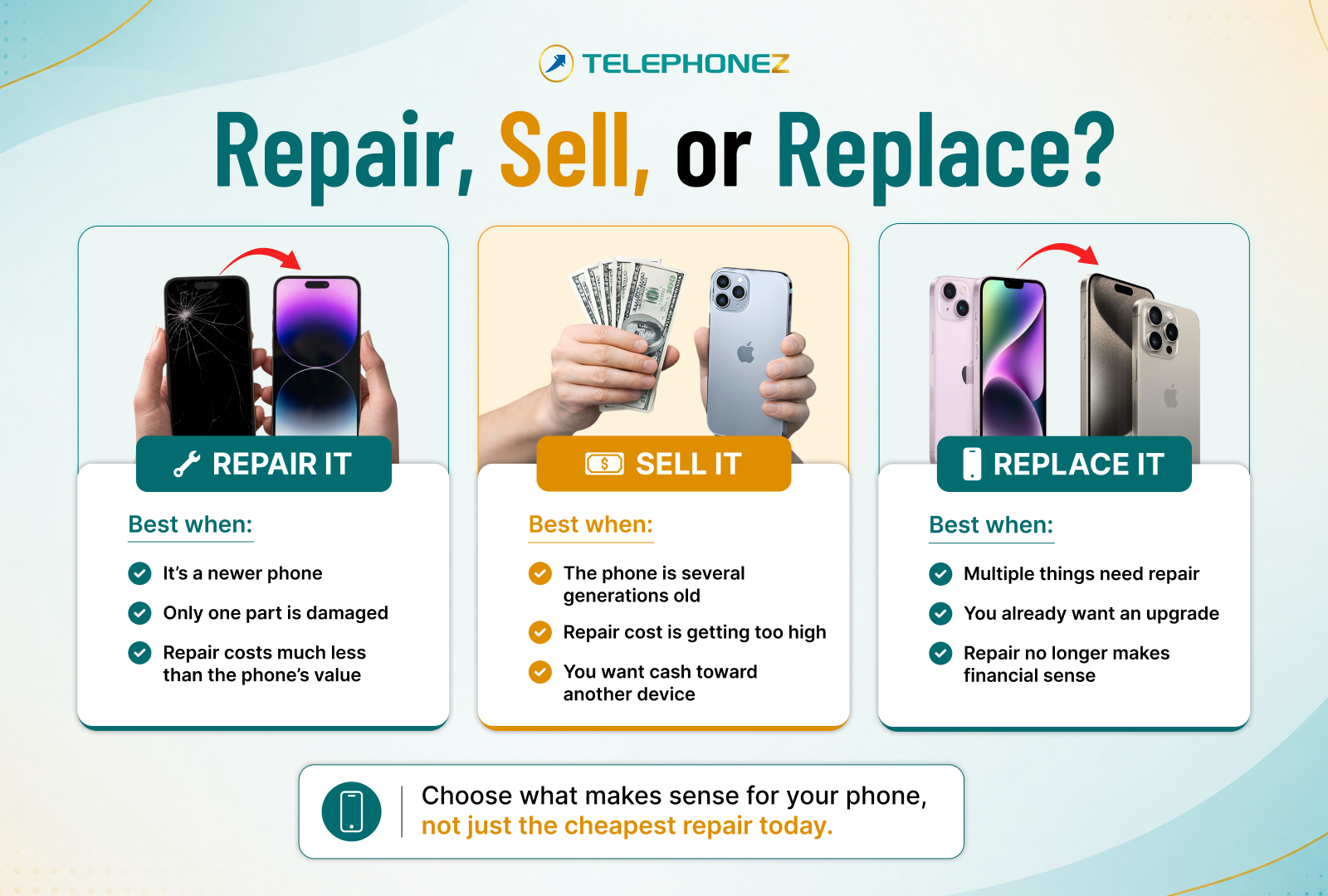
- Repair it if the phone is a recent model, the fix is a single component (screen, battery, port) and the cost is well under half of the phone’s resale value.
- Sell it if the phone is several generations old and the repair would cost close to what a working used one sells for. You can get a quote for your device, broken or not, and use the cash toward an upgrade.
- Replace it if you have been thinking about upgrading anyway. Certified pre-owned iPhones, iPads and Apple Watches cost far less than new, come tested and warrantied, and ship free. If budget is tight, Telephonez also offers a lease option starting at an $89 down payment with no credit check.
Not sure whether the phone you are looking at is carrier locked or unlocked?
The Unlocked Phones Buying Guide explains what to check before you buy.
Before You Drop Off Your Phone: A 5-Minute Checklist
Whatever shop you choose, take these steps first:
- Back up your data. iCloud or a computer backup. Most repairs do not touch your data, but it only takes one bad day.
- Note your battery health and any existing issues. Screenshot Settings so you can compare afterward.
- Turn off Find My or provide your passcode if the shop needs to test the phone. Reputable shops will tell you exactly what access they need and why.
- Remove your case and screen protector. Bring them along so the tech can confirm fit after the repair.
- Get a written quote and warranty. Email or receipt, not a handshake.
Why People in Louisiana Choose Telephonez for Repairs
Telephonez is an Apple-focused shop based in Lafayette and Lake Charles that buys, sells and repairs iPhones, iPads and Apple Watches every day. Every device that leaves the shop is tested, repairs are backed by clear customer protections, and you can start the process online in a couple of minutes by choosing your device on the repair page. If you would rather talk to someone first, call 337-877-5055 or send a note through the contact page. Answers to the most common questions about warranties, shipping and turnaround are on the FAQ page.
Final Thoughts
Searching for phone repair near me will always give you plenty of options. The shops worth your time are the ones that specialize in your device, tell you exactly what parts they use, put the warranty and price in writing, and have reviews that talk about repairs that lasted. Run through the questions in this guide, and you will know within a few minutes whether a shop deserves your phone.
And if a repair does not make sense, remember you have options: sell the device for cash, or move into a certified pre-owned replacement with a warranty and free shipping. Either way, the goal is the same, a phone that works and a decision you feel good about.
Frequently Asked Questions
-
How much does phone repair usually cost?
It depends on the model, the part and the part grade. Screens and batteries are the most common repairs and are usually the most affordable. Always ask for an all-in quote before work begins.
-
Is it safe to use a third-party repair shop instead of the manufacturer?
Yes, as long as the shop uses quality parts, offers a written warranty and has experience with your device. Many independent Apple specialists offer faster turnaround and lower prices than manufacturer service.
-
Will a repair void my warranty?
If your phone is still under a manufacturer warranty, a third-party repair may affect coverage for the repaired component. If the phone is out of warranty, which is the case for most repairs, there is nothing to void. Ask the shop if you are unsure.
-
How long does a typical repair take?
Screen and battery replacements are often same-day. Charging ports, cameras, back glass and water damage can take longer. Mail-in repairs add shipping time each way.
-
Should I repair an old phone or just replace it?
Compare the repair cost with the resale value of a working phone of the same model. If the repair is close to or above that number, selling the device and buying certified pre-owned is usually the better deal.
-
Do I need to back up my phone before a repair?
Yes. Most repairs do not affect your data, but a backup protects you if anything unexpected happens during testing.
-
What if the shop finds more damage than expected?
A trustworthy shop will contact you with the updated quote before doing any additional work. Confirm this policy before you drop off the phone.
-
Can I repair a phone I plan to sell?
Often it is worth it for cosmetic issues like a cracked screen, since a working, clean phone sells for more. Ask for both a repair quote and a sell quote and compare.
-
What is the difference between OEM and aftermarket parts?
OEM-grade parts match the original specifications. Aftermarket parts vary in quality and may affect brightness, color, battery life or features like True Tone. Ask which one the shop uses.
-
Does Telephonez repair iPads and Apple Watches too?
Yes. Telephonez repairs iPhones, iPads and Apple Watches. Select your device type on the repair page to get started.